Toyota Levin Screen Language and Phone Checks Before Buying
An English listing does not guarantee an English interface, and a familiar phone icon does not establish which connection features will work after import. Before buying a China-market Levin, ask the seller to demonstrate the functions you need on the actual installed head unit. This is relevant to both new and used cars.
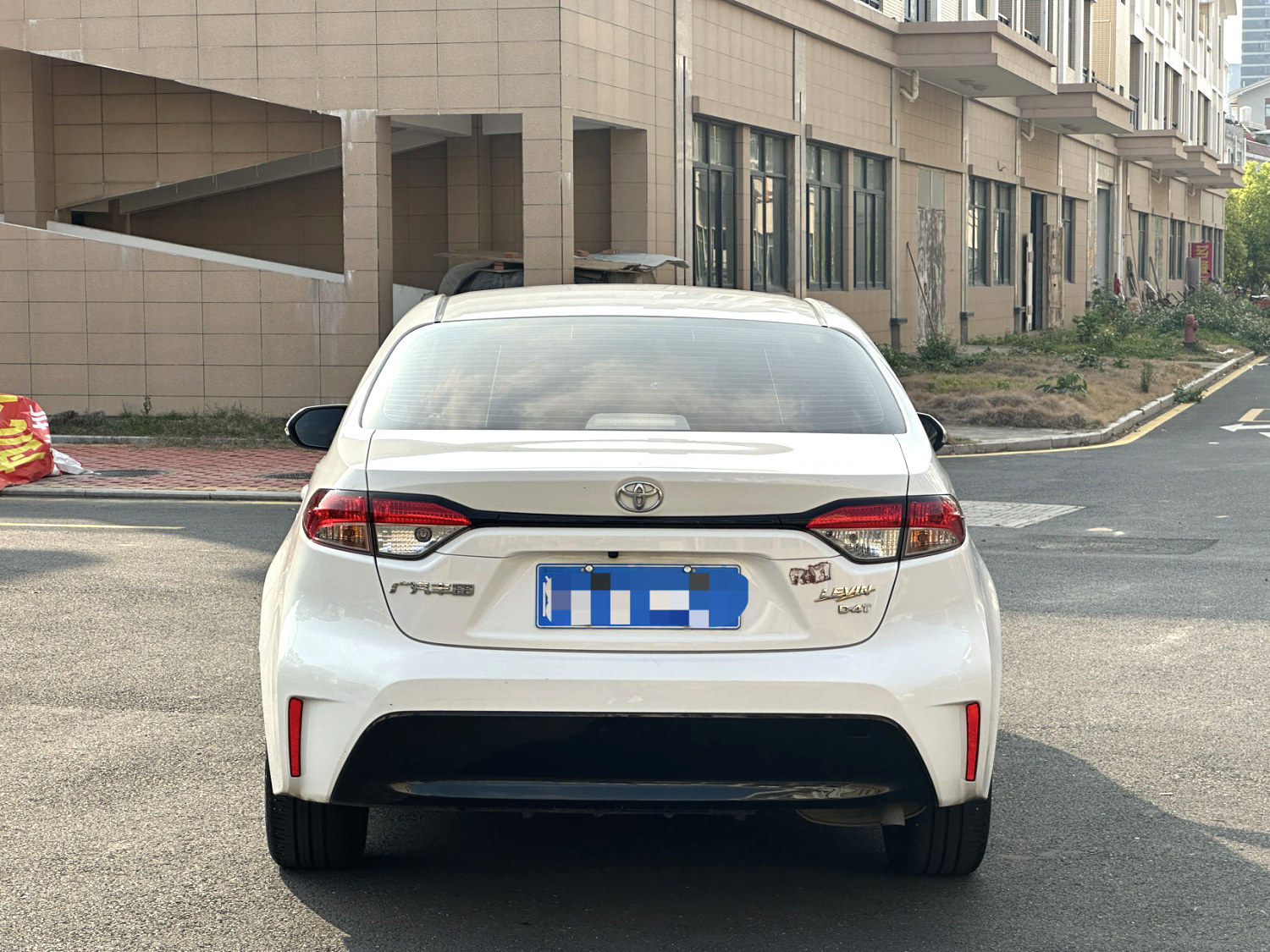
Identify whether the head unit is original
Request photographs of the system information screen, software version and any replacement invoice. Ask whether the unit was factory-fitted, installed by a dealer or changed by a previous owner. The model year of the car does not identify a later aftermarket screen. Record this distinction before comparing grades or assuming that a larger display has all original vehicle integration.
Test the language throughout the interface
Have the seller open the available language list and show the home menu, climate-related displays if integrated, camera messages and settings. Some screens may remain in another language even when the main menu changes. Separate instrument-cluster language from infotainment language. Do not accept a promise that an unspecified software update will make every part of the car fully localised.
For the related checks, read Toyota Levin LHD and Lighting: Market Compatibility.
Connect the phone you intend to use
Specify the phone model, operating-system version and whether you need wired or wireless functions. Ask for a demonstration of pairing, a call, media playback and supported projection where fitted. Bluetooth audio is not proof of Apple CarPlay or Android Auto. Check which USB ports carry data and whether the reversing camera still operates correctly during normal connection and disconnection.
Separate offline functions from account services
Built-in maps, online navigation, remote apps and voice services may have different account or region requirements. Ask which functions were actually demonstrated without the seller account. For a used Levin, agree removal of personal data and transferred access through legitimate procedures. Do not purchase on the assumption that bypassing an account, unofficial firmware or a future subscription will solve compatibility.
What to request before agreeing the purchase
- Head-unit identity, software version and any replacement history.
- A complete language-menu and phone-connection video for your device.
- A written list separating demonstrated functions from unavailable or untested services.
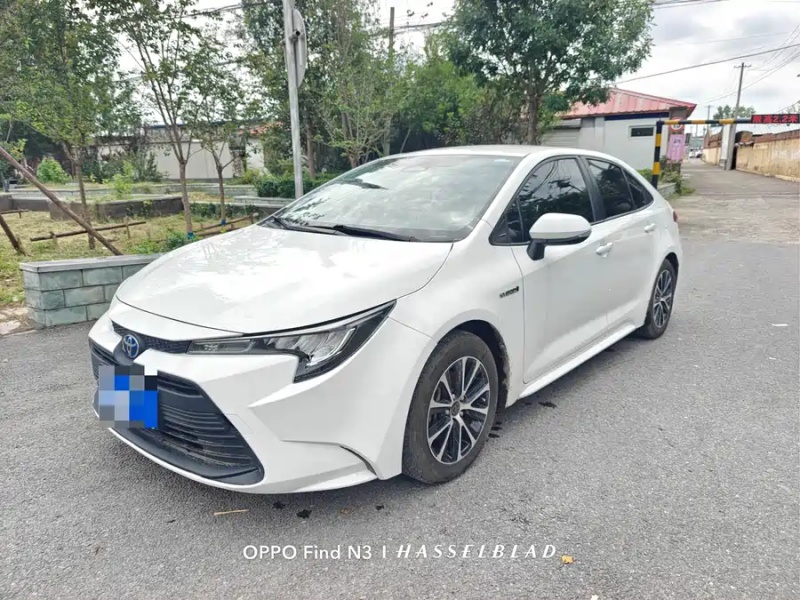
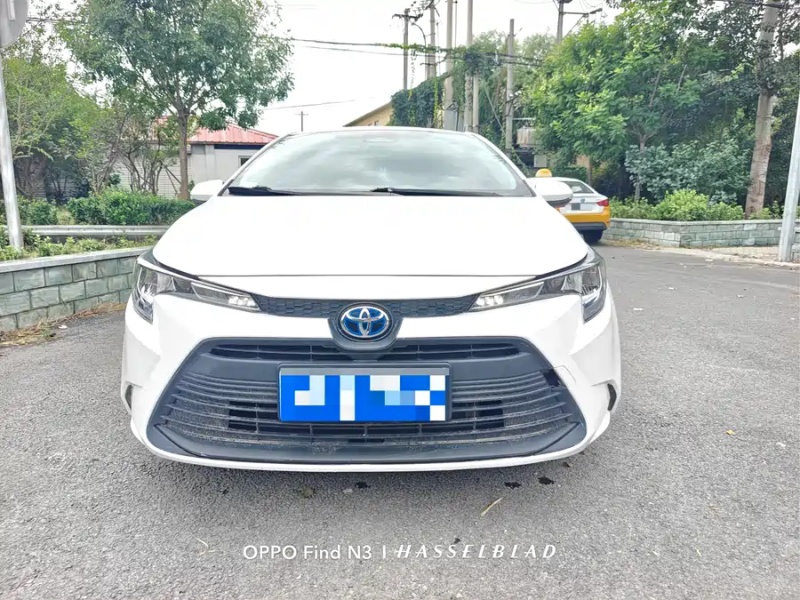
The buying decision
Select a Levin whose demonstrated functions cover your everyday needs, even if the equipment list looks less impressive. If English menus or phone projection are essential, make successful verification a condition of the offer rather than a project to solve after arrival.
Questions buyers ask
Does Bluetooth mean the car supports phone projection?
No. Calls and audio streaming are separate from projection systems. Test the required function directly on the installed hardware.
Will a new screen automatically preserve the factory camera?
Not necessarily. Confirm compatibility, retained controls and camera behaviour before accepting a retrofit as part of the vehicle specification.